
Marklo auto-groups your campaigns on import, but you can customize the structure to match how your team actually organizes marketing. When your groupings match your mental model, reporting gets much clearer.
Here are some ways to update your campaign grouping:
Drag and drop a post (e.g., an Instagram post) into a different campaign directly from the calendar
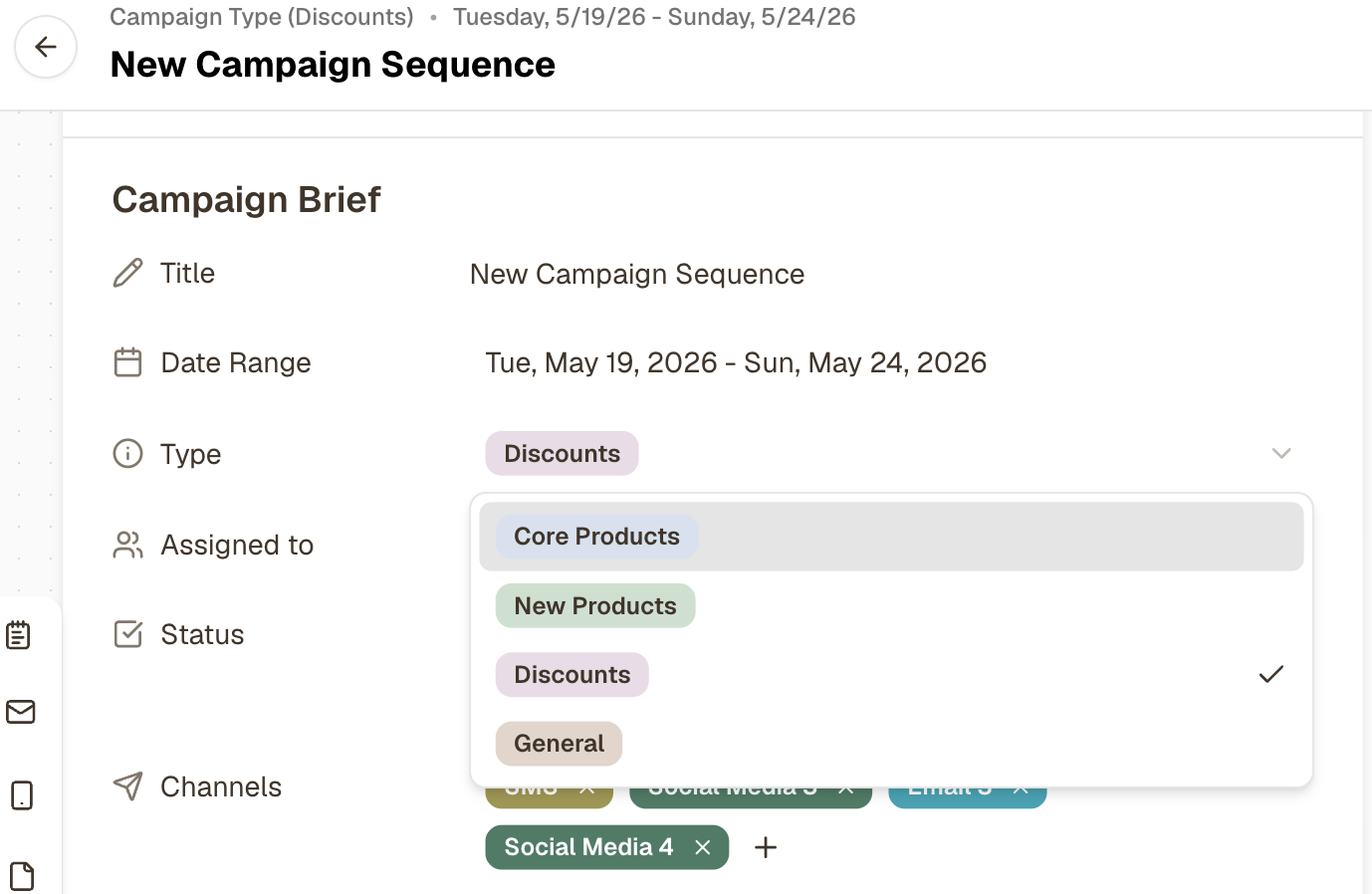
Change a campaign type by opening the campaign and editing the type field
Rename a campaign group by clicking the group name
📹 Video walkthrough: Managing Campaign Grouping