
The fastest way to build a strong campaign: start from one that already worked. All your historical campaigns are in Marklo.
Steps:
Scroll back on your Calendar to the same time last year or click on the top right Compare → Previous Year to see what campaigns you ran last year
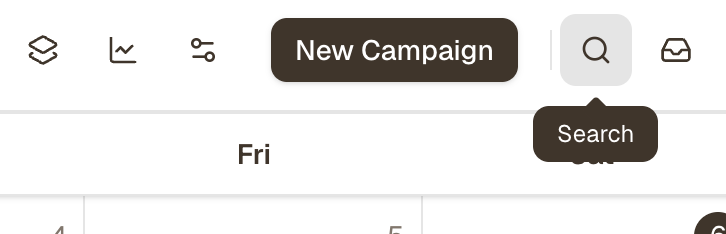
You can also find your top-performing campaign by using the Search function
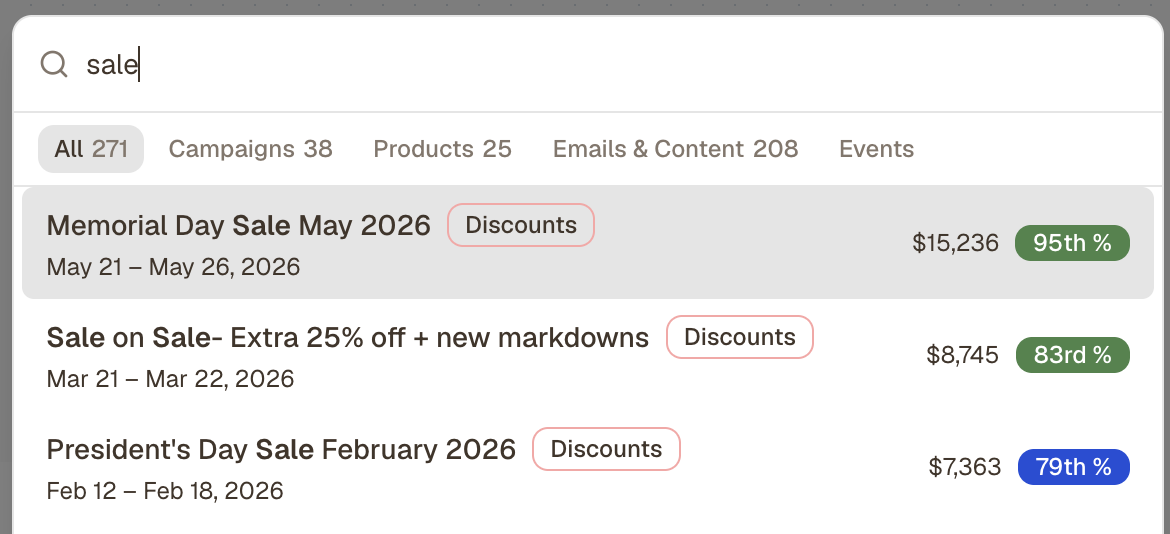
Right-click the campaign in the calendar, or open the campaign and select Duplicate on the to right
Update the date range to this year and select which details to duplicate
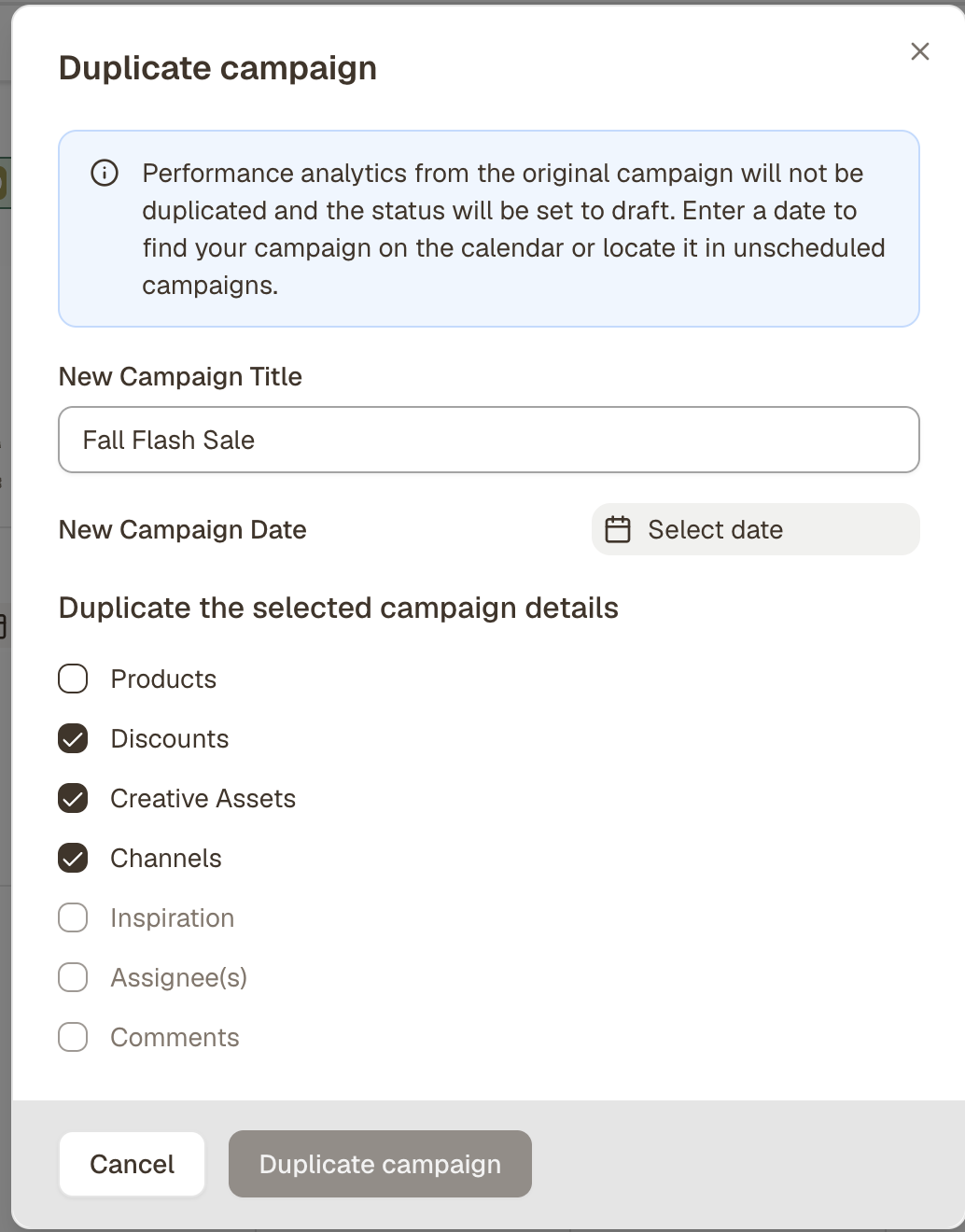
Swap in updated products from Shopify and refresh any copy, discount codes, or creative assets
Save — the campaign appears on your calendar ready to go
You're not starting from scratch. You're building on what you know works.
📹 Video walkthrough: 📹 Video walkthrough: How to Duplicate A Top Performing Campaign