
The Year-over-Year view is one of the most powerful features in Marklo. It lets you spot gaps, find what worked, and avoid repeating what didn't — without digging through spreadsheets.
To enable it:
Click the Compare icon in the top right of the calendar and select “Previous Year” from the dropdown menu
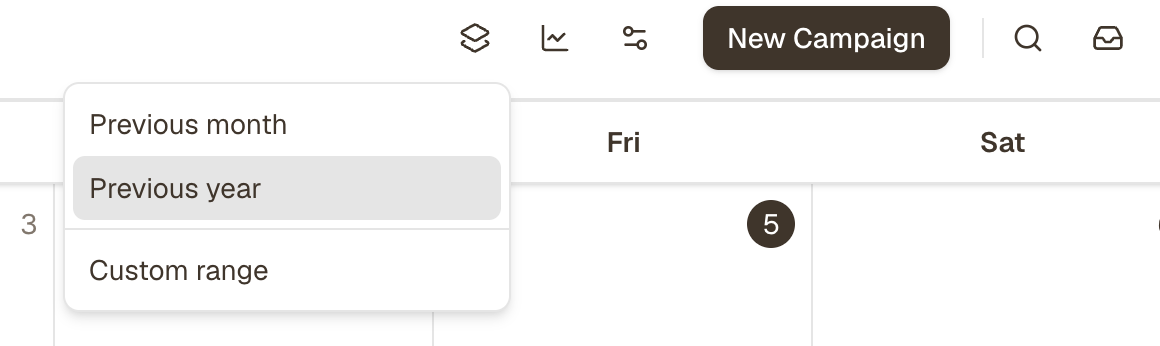
Last year's campaigns now appear in rows alongside your current plan
Click any past campaign to see its full performance data
Tips:
Look for dates where you had a campaign last year but nothing planned this year — those are quick wins
Click into any past campaign pop-up to see revenue, open rates, and channel breakdown
Use this view every Monday morning to stay ahead of seasonal moments