
Planning Intelligence settings let you configure how Marklo recommends campaigns based on your business patterns.
To update:
Go to Settings → Capabilities → Planning Intelligence
Adjust the following:
Campaign planning — how often Marklo should suggest running campaigns
Inventory thresholds — how Marklo should factor your stock levels into campaign recommendations
Featured collections — point Marklo to the specific product collections you want prioritized in campaign suggestions
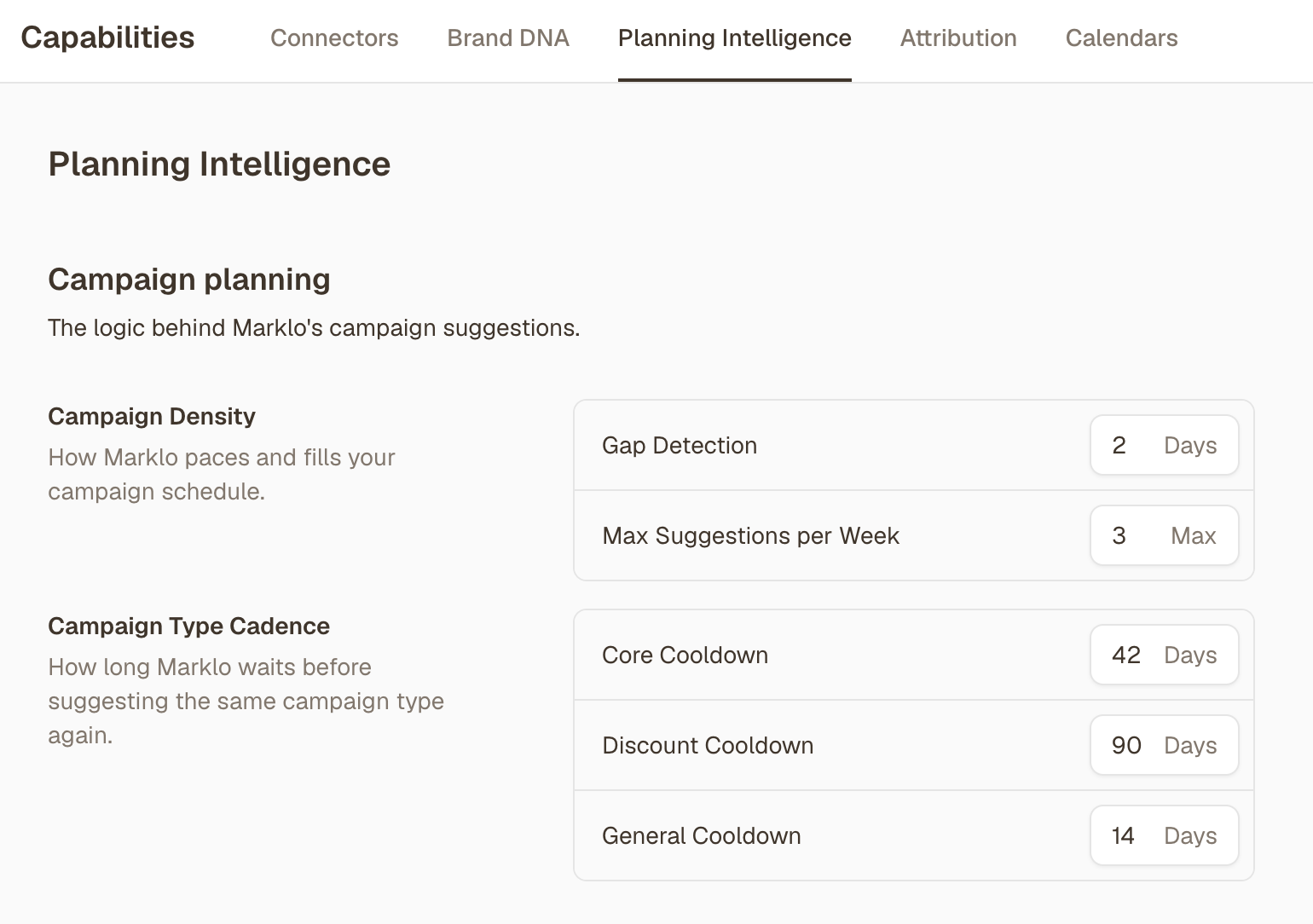
The more context you give here, the more tailored Marklo's campaign suggestions will be for your brand.
📹 Video walkthrough: Updating Your Brand Settings & Planning Intelligence