
When you connect your Shopify store, Marklo automatically builds your Brand DNA — pulling your tone, products, and audience from your storefront. The more you refine it, the better every AI output gets: campaign briefs, Ask Marklo responses, and copy suggestions.
Think of it as onboarding a new employee who did their homework before Day 1. Now you're filling in the nuances they couldn't learn from your website.
To review and update your brand profile:
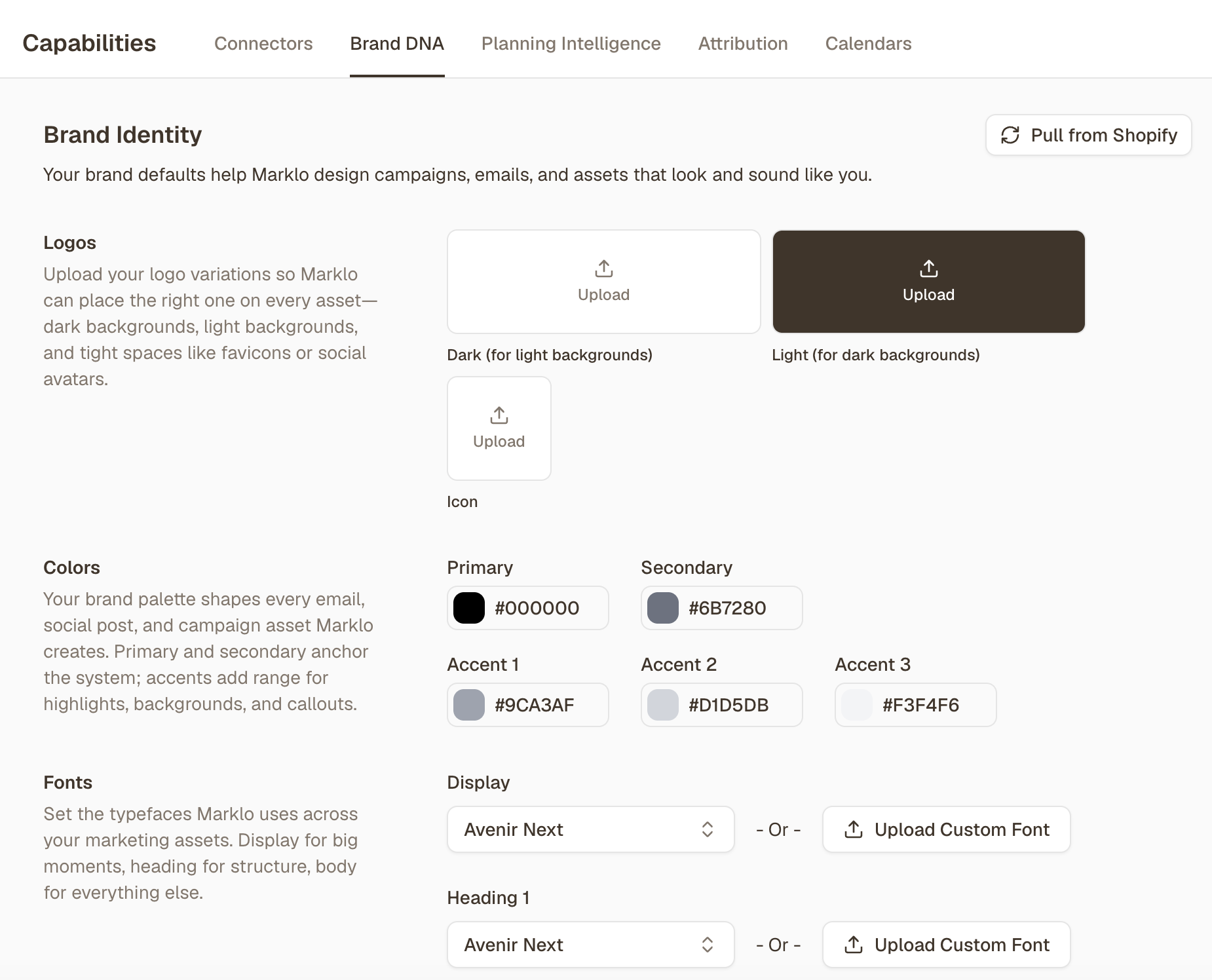
Go to Capabilities → Brand DNA
Review and edit your customer personas, brand pillars and brand voice guidelines.
Marklo can pull your logos, fonts, color palettes from Shopify, or you can upload and configure them directly
Add competitor websites and any custom marketing instructions
📹 Video walkthrough: Updating Your Brand Settings